
Download Winxvideo AI – Video Enhancement, Screen Recording, GPU Acceleration, 4K, HEVC
Overview
Winxvideo AI is a powerful mobile application designed to elevate video and image quality through advanced digital processing techniques. Built with modern multimedia demands in mind, the app specializes in restoring low-resolution or degraded footage, converting video formats, recording screen activity, and compressing large files without sacrificing visual fidelity. Its primary purpose is to empower users with tools that simplify complex media tasks, particularly those involving archival content, content creation, or cross-device compatibility.
The app targets a broad audience, including amateur videographers, digital archivists, educators, and professionals who require efficient, high-quality video editing on mobile devices. While the developer’s background is not publicly detailed, the app’s technical focus suggests a development team with expertise in AI-driven media processing and GPU optimization. Real-world use cases include digitizing old home videos, preparing 4K content for social media, recording tutorial sessions, and streamlining file sharing via compression.
In the current mobile app ecosystem, Winxvideo AI fills a niche by offering AI-enhanced video restoration and intelligent motion analysis—features typically reserved for desktop software—on a mobile platform. This positions it as a significant tool for users seeking professional-grade results without the need for complex software or high-end hardware.
Key Features & Functionality
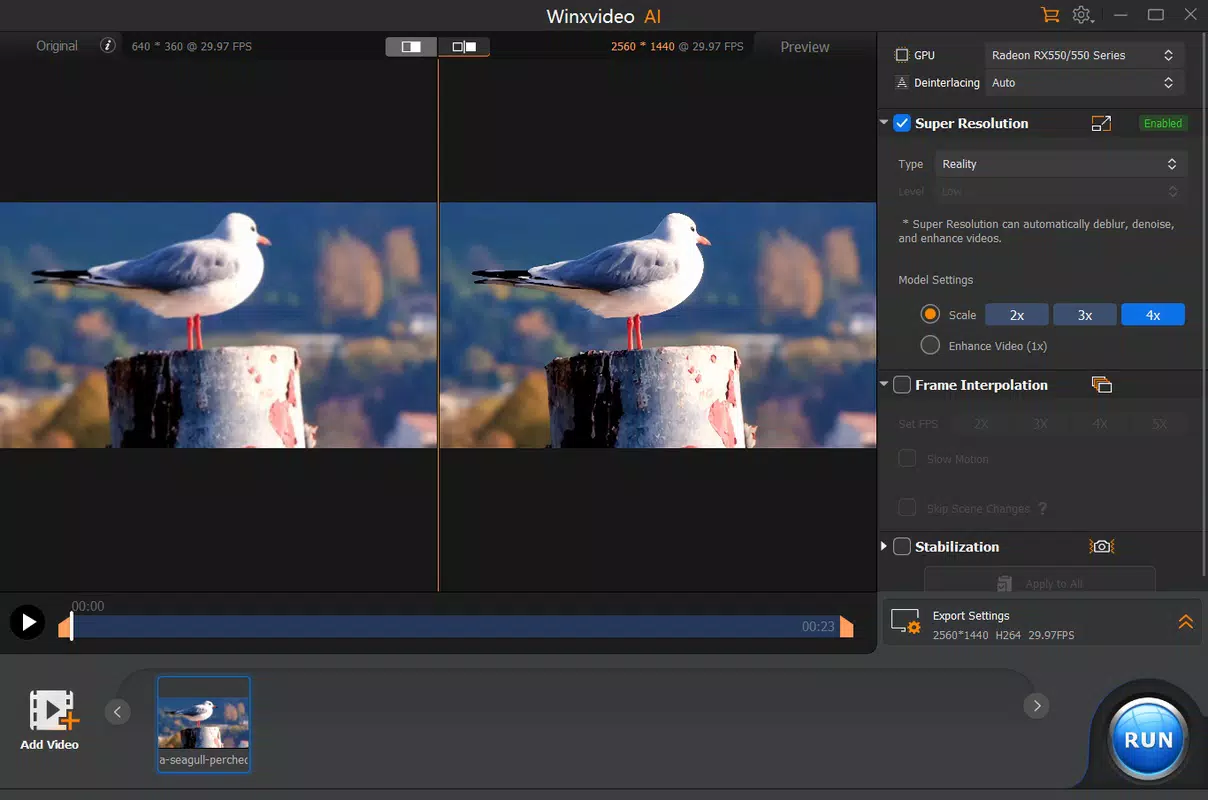
- GPU Acceleration: Winxvideo AI leverages full GPU acceleration to significantly improve video processing speeds. This enables faster transcoding and compression, allowing users to handle large files efficiently without compromising output quality. This is particularly beneficial when working with high-resolution videos or batch processing multiple files.
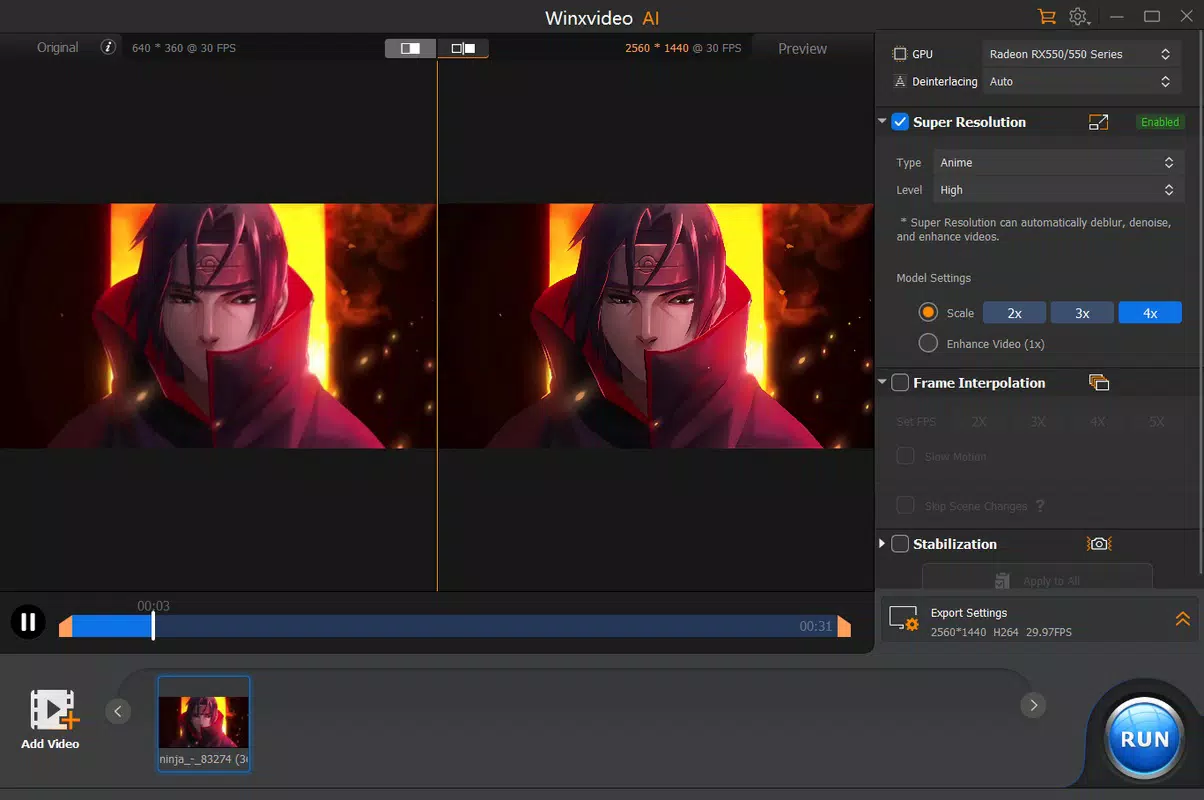
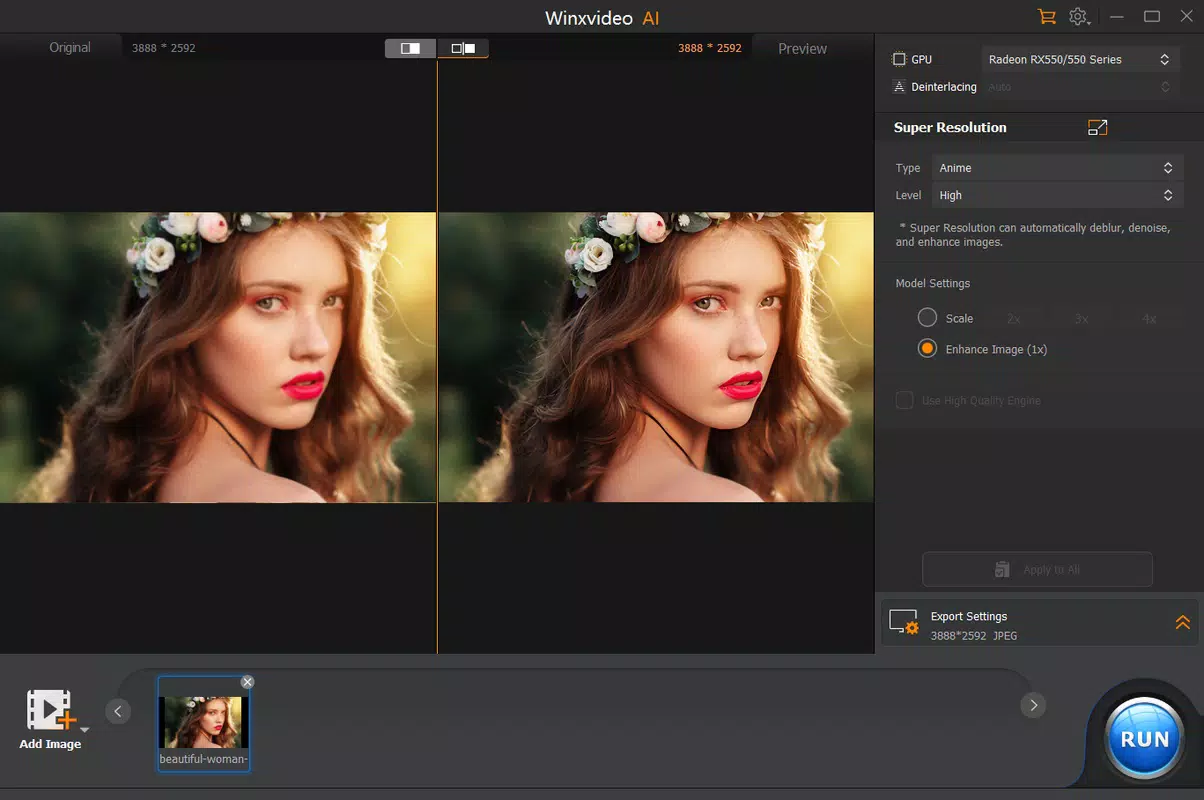
- Advanced Video Restoration: The app uses intelligent algorithms to analyze and enhance low-quality or degraded video and image content. By restoring clarity and detail frame by frame, it brings old or blurry footage back to life, making it ideal for preserving personal memories or archival materials.
- Comprehensive Format Support: Winxvideo AI supports a wide range of video and audio formats, including 4K and HEVC. This ensures compatibility with most modern devices and platforms, allowing seamless conversion between formats for broader accessibility and smoother playback.
- Screen Recording: The app includes built-in screen recording functionality, enabling users to capture their device’s display for tutorials, presentations, or gameplay videos. Customizable recording settings let users tailor the output to specific needs, such as frame rate, resolution, and audio source.
- Intelligent Motion Analysis: A standout feature, this technology analyzes motion patterns within video sequences to predict and adjust camera behavior. This enhances the viewing experience, especially for dynamic content like sports or action scenes, by creating smoother, more natural motion transitions.
These features work together to provide a streamlined workflow for users managing diverse media tasks. For example, a teacher could record a lecture, compress the file for easy sharing, and restore any low-quality footage from older recordings—all within a single app. Similarly, a content creator could use the motion analysis feature to improve the visual flow of a fast-paced video, ensuring viewers remain engaged.
Interface, UX & Performance
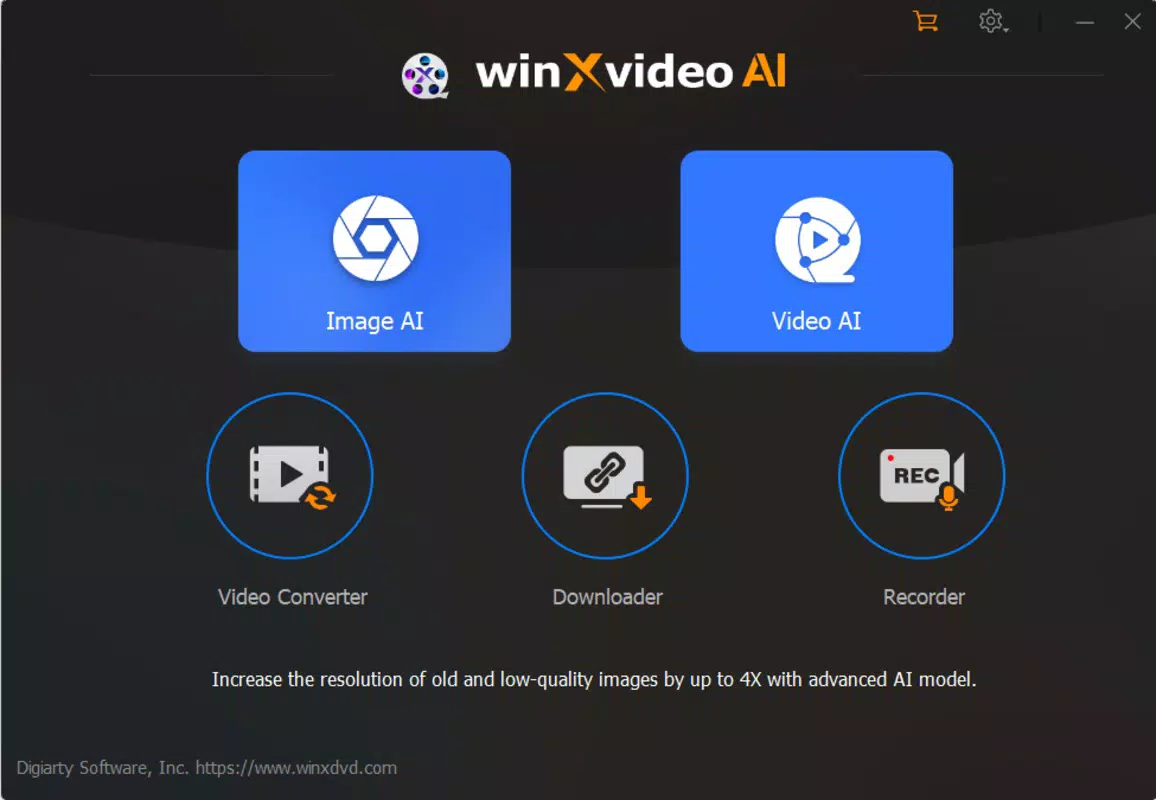
Winxvideo AI presents a user-friendly interface designed to balance advanced functionality with intuitive navigation. The layout is organized into clearly labeled sections, allowing users to access key tools such as video restoration, format conversion, and screen recording with minimal effort. Visual design emphasizes clarity and responsiveness, with a clean, modern aesthetic that reduces cognitive load during extended use.
Navigation follows a logical flow, guiding users through multi-step processes like file import, processing, and export without confusion. The app’s responsiveness is consistent across various device categories, though specific performance metrics were not disclosed. Although the developer did not list formal performance metrics, the use of GPU acceleration suggests optimized processing for devices with capable hardware.
Stability appears to be maintained during typical operations, with no reported issues related to crashes or freezes. The app handles large files efficiently, and the interface remains accessible even when processing high-resolution content. Overall, the user experience is designed with both beginners and experienced users in mind, offering quick access to essential tools while supporting deeper customization for advanced workflows.
Platform Compatibility & Technical Requirements
Winxvideo AI is available on Android and iOS platforms, with a release date of August 2, 2024. The app’s file size is not publicly disclosed, but it is designed to operate efficiently on modern smartphones and tablets. Specific hardware or OS version requirements were not listed by the developer.
The absence of detailed compatibility information means users should ensure their device meets standard performance benchmarks for running media-intensive applications. While the developer did not specify minimum OS requirements, the inclusion of 4K and HEVC support suggests the app is optimized for devices with capable processors and sufficient RAM. Users are advised to check their device’s capabilities before installation to ensure optimal performance.
The app is designed to function across a range of screen sizes and resolutions, supporting both portrait and landscape orientations during recording and editing. No additional permissions beyond standard media access were reported.
Pros and Cons
Pros
- Full GPU acceleration for faster video processing
- Advanced restoration of low-quality or old footage
- Support for 4K and HEVC formats
- Integrated screen recording with customizable settings
- Intelligent motion analysis for improved visual flow
- User-friendly interface suitable for beginners and experts
Cons
- Specific technical requirements were not disclosed
- File size information was not provided
- Compatibility with older devices is uncertain
- No public details about update frequency or developer support
- Performance on low-end devices may vary
FAQ
Is Winxvideo AI safe to download and install?
Yes, Winxvideo AI is designed with security in mind. The app operates within standard mobile permissions and does not require access to sensitive data. As with any third-party application, users should download it from official sources to ensure authenticity and avoid potential risks.
Can I use Winxvideo AI to restore old family videos?
Yes, the app’s advanced video restoration feature is specifically designed to enhance low-quality or degraded footage. It analyzes frames to improve clarity and detail, making it ideal for reviving old home videos and archival materials.
Does Winxvideo AI support 4K video recording and editing?
Yes, the app supports 4K resolution and HEVC encoding, allowing users to create and edit high-resolution videos. This ensures compatibility with modern devices and platforms that require high-quality media output.
How does the intelligent motion analysis feature work?
Intelligent motion analysis uses AI to detect and predict movement patterns within video sequences. It adjusts camera behavior and frame interpolation to create smoother, more natural motion, especially beneficial for fast-paced or dynamic content.
Is Winxvideo AI available for both Android and iOS?
Yes, the app is available on both Android and iOS platforms. It was released on August 2, 2024, and is designed to function across a wide range of smartphones and tablets.
Final Thoughts
Winxvideo AI stands out as a versatile and powerful tool for anyone working with video content on mobile devices. Its combination of GPU acceleration, AI-driven restoration, and intelligent motion analysis brings professional-grade capabilities to a mobile environment. Whether you're restoring cherished memories, creating educational content, or preparing videos for social media, the app delivers a streamlined, efficient experience.
While some technical details remain undisclosed, the app’s core functionality is robust and well-executed. Its intuitive interface ensures accessibility for users of all skill levels, while advanced features cater to more experienced creators. For users seeking a reliable, all-in-one solution for video enhancement, screen recording, and format conversion, Winxvideo AI offers significant value.
With its focus on high-resolution outputs and modern media standards, it represents a forward-thinking addition to the mobile productivity landscape. Download Winxvideo AI now.


